CSS: Using Flexbox for Layout (Interactive)
Flexbox has become the go-to layout method for responsive web design—and if you’re still wrestling with floats or grid uncertainty, you’re leaving performance and maintainability on the table. This 32-minute interactive course cuts straight to practical Flexbox patterns you’ll use immediately in production. You’ll build confidence with real sandbox exercises, not just theory.
AIU.ac Verdict: Ideal for front-end developers and web designers who need Flexbox fluency fast without the bloat. The course is tightly scoped and hands-on, though it assumes basic CSS knowledge—complete beginners may want a CSS fundamentals primer first.
What This Course Covers
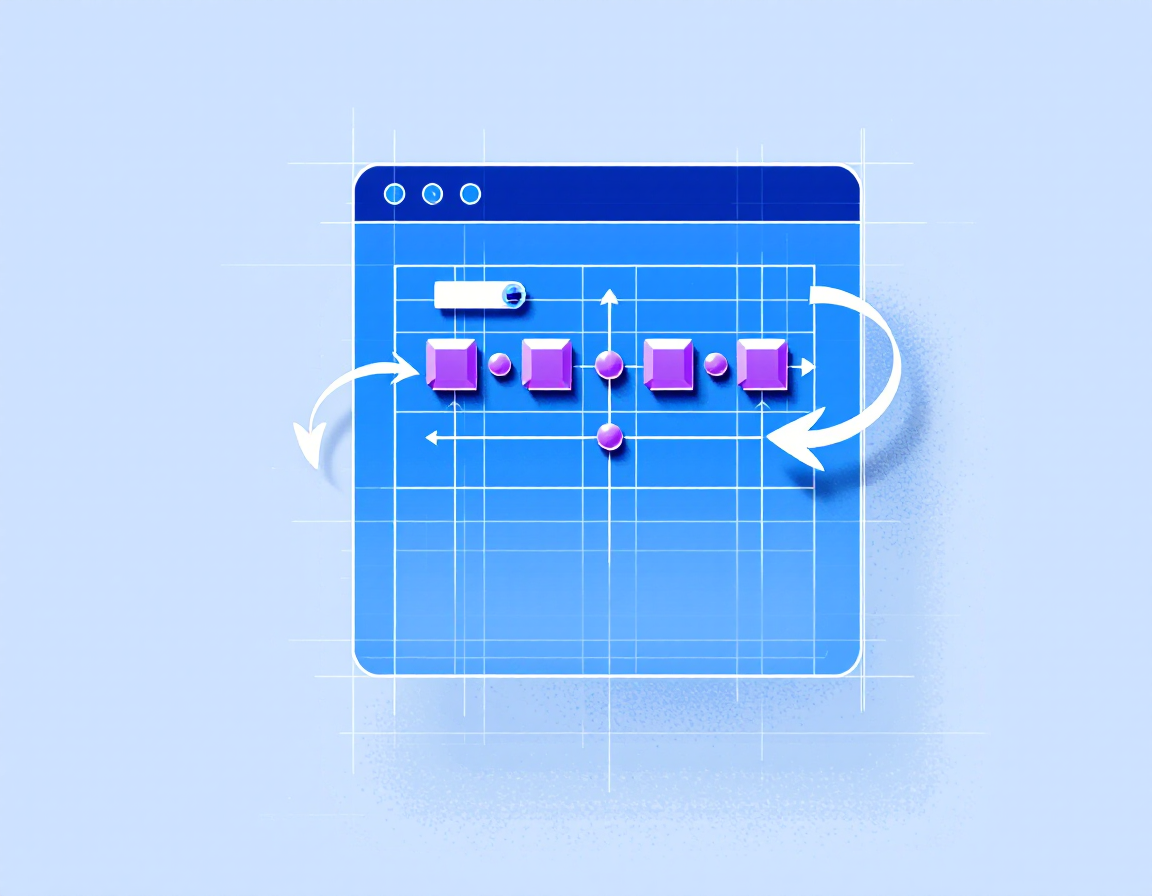
You’ll explore Flexbox container and item properties, alignment techniques (justify-content, align-items, align-self), and flex-direction for directional control. The course walks through practical scenarios: centring content, building navigation bars, creating flexible card layouts, and handling responsive behaviour without media queries.
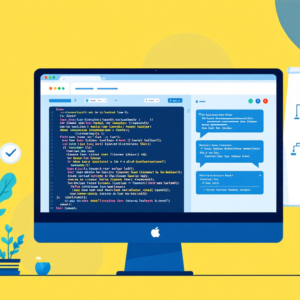
Each concept is reinforced with interactive sandbox labs where you write actual CSS and see results instantly. Dan Denney’s approach emphasises the ‘why’ behind each property, so you’ll understand when to reach for Flexbox versus Grid, and how to combine them effectively in real projects.
Who Is This Course For?
Ideal for:
- Front-end developers transitioning to modern CSS: If you learned CSS before Flexbox became standard, this fills the gap quickly with practical, production-ready patterns.
- Web designers moving into code: Flexbox is more intuitive than older layout methods; this course gives you the confidence to prototype and build responsive layouts independently.
- Bootcamp graduates and junior developers: You need Flexbox proficiency for any front-end role; this focused course ensures you’re interview-ready and can solve real layout challenges.
May not suit:
- Complete CSS beginners: You’ll need foundational CSS knowledge (selectors, box model, properties) before this course makes sense.
- Developers seeking advanced layout strategy: This is Flexbox-specific and practical; it doesn’t cover CSS Grid, subgrid, or complex multi-layout architecture patterns.
Frequently Asked Questions
How long does CSS: Using Flexbox for Layout (Interactive) take?
32 minutes of video content. Most learners complete it in one sitting or across two focused sessions, plus additional time for hands-on sandbox exercises.
Do I need prior CSS experience?
Yes. You should be comfortable with CSS selectors, properties, and the box model. If you’re new to CSS entirely, start with CSS fundamentals first.
Are there hands-on exercises?
Absolutely. The course includes interactive Pluralsight sandboxes where you write and test Flexbox code in real-time—not just video watching.
Will this make me job-ready for front-end roles?
Flexbox proficiency is table-stakes for front-end work. This course covers the core skills; combine it with Grid knowledge and real project experience for full readiness.
Course by Dan Denney on Pluralsight. Duration: 0h 32m. Last verified by AIU.ac: March 2026.